Sometimes you already know what they want.
Over 140 pictures in the Moodoodle Library, with more every season.
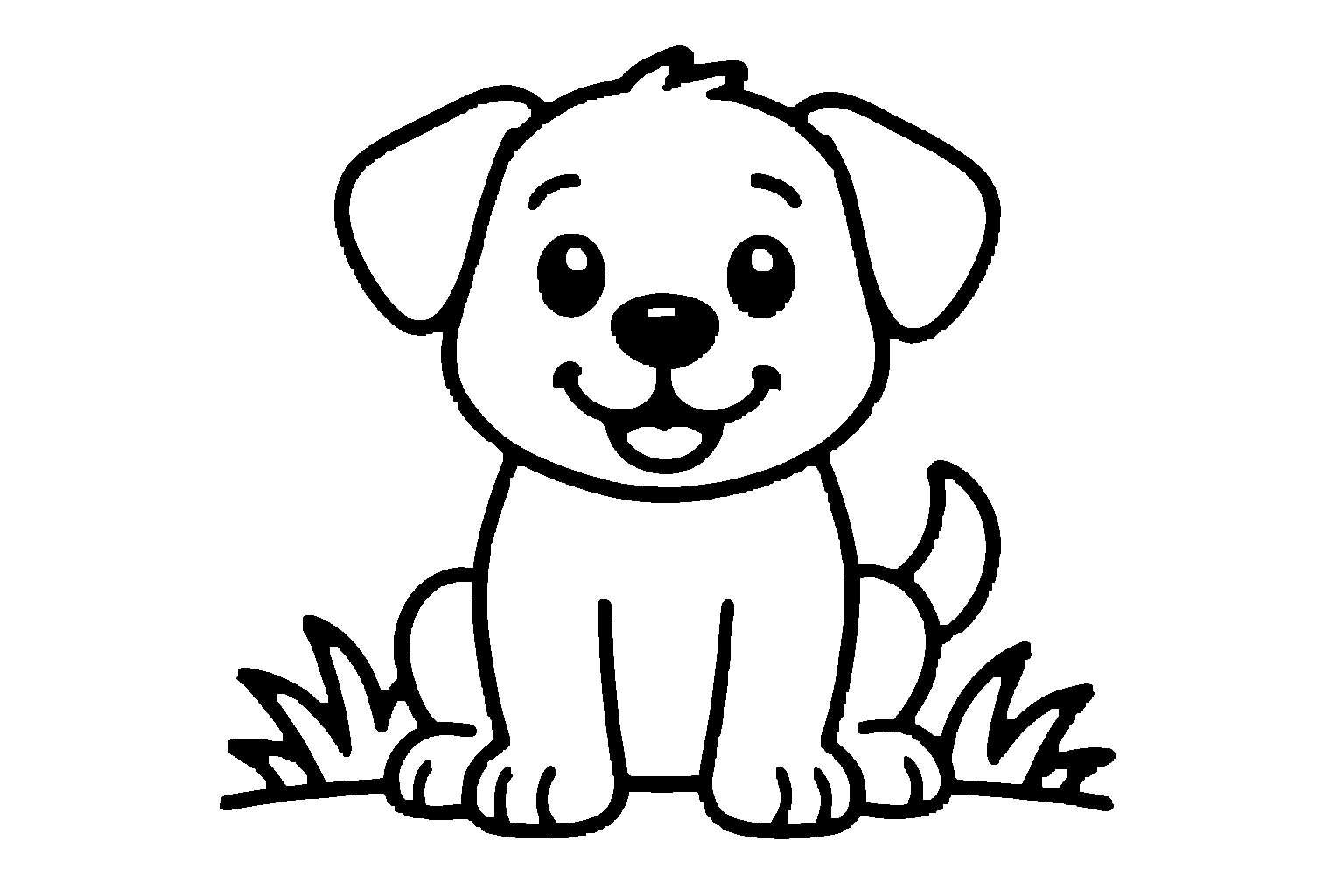
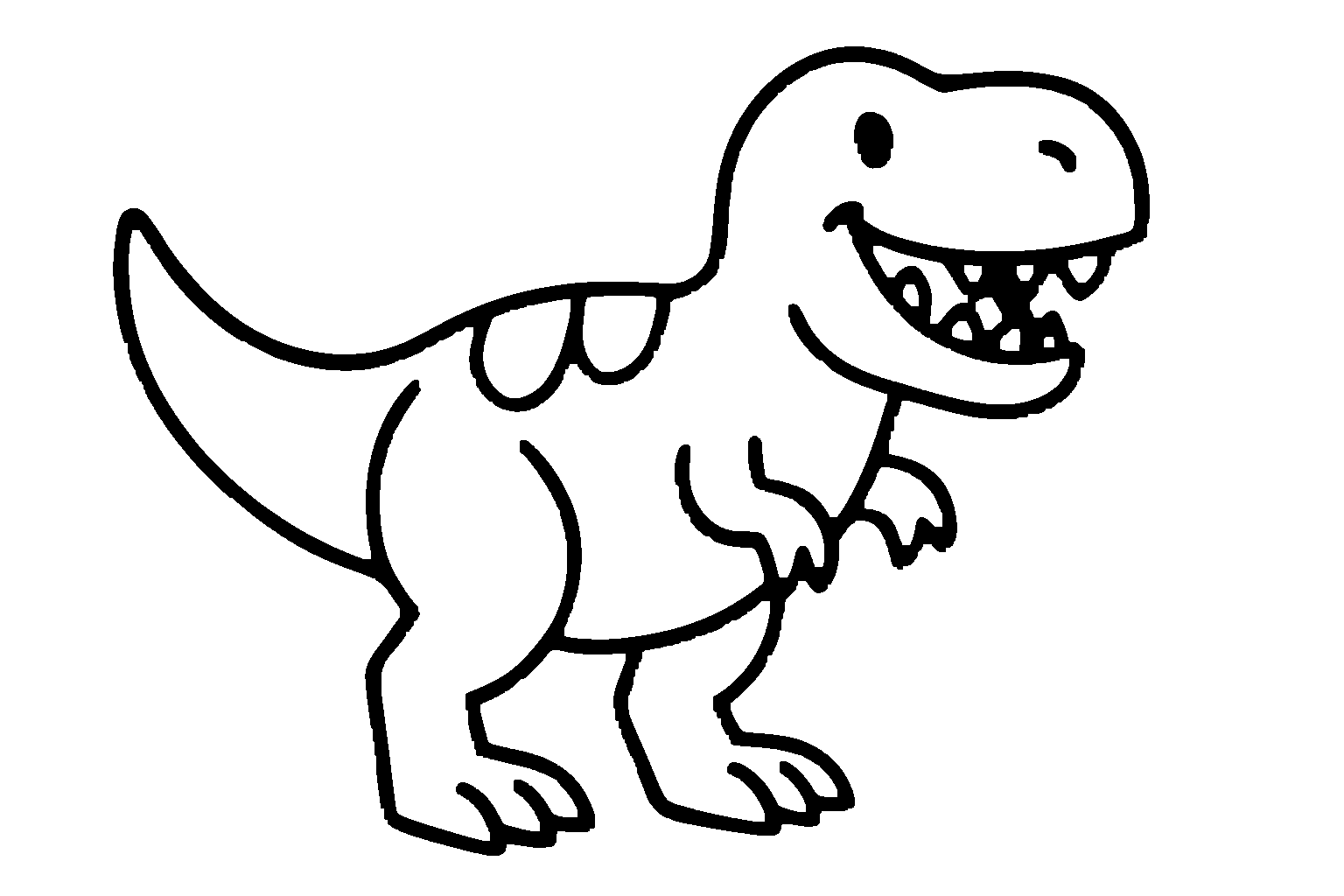




A coloring app where kids can color over 140 pictures — or tell Moo to make something completely new from their imagination.
Made for little artists ages 3–10+.
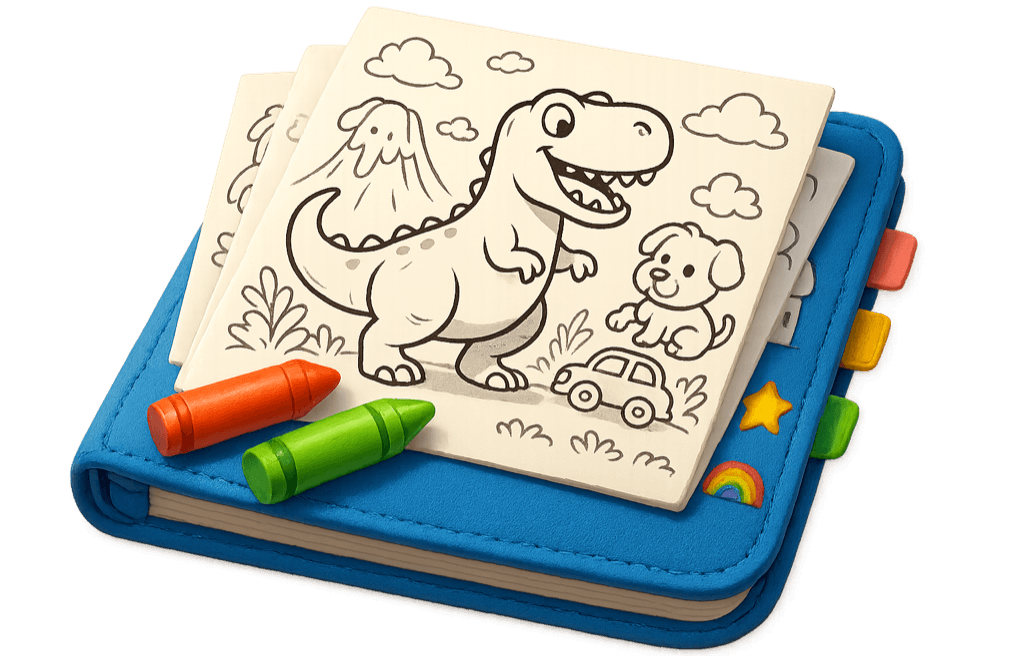
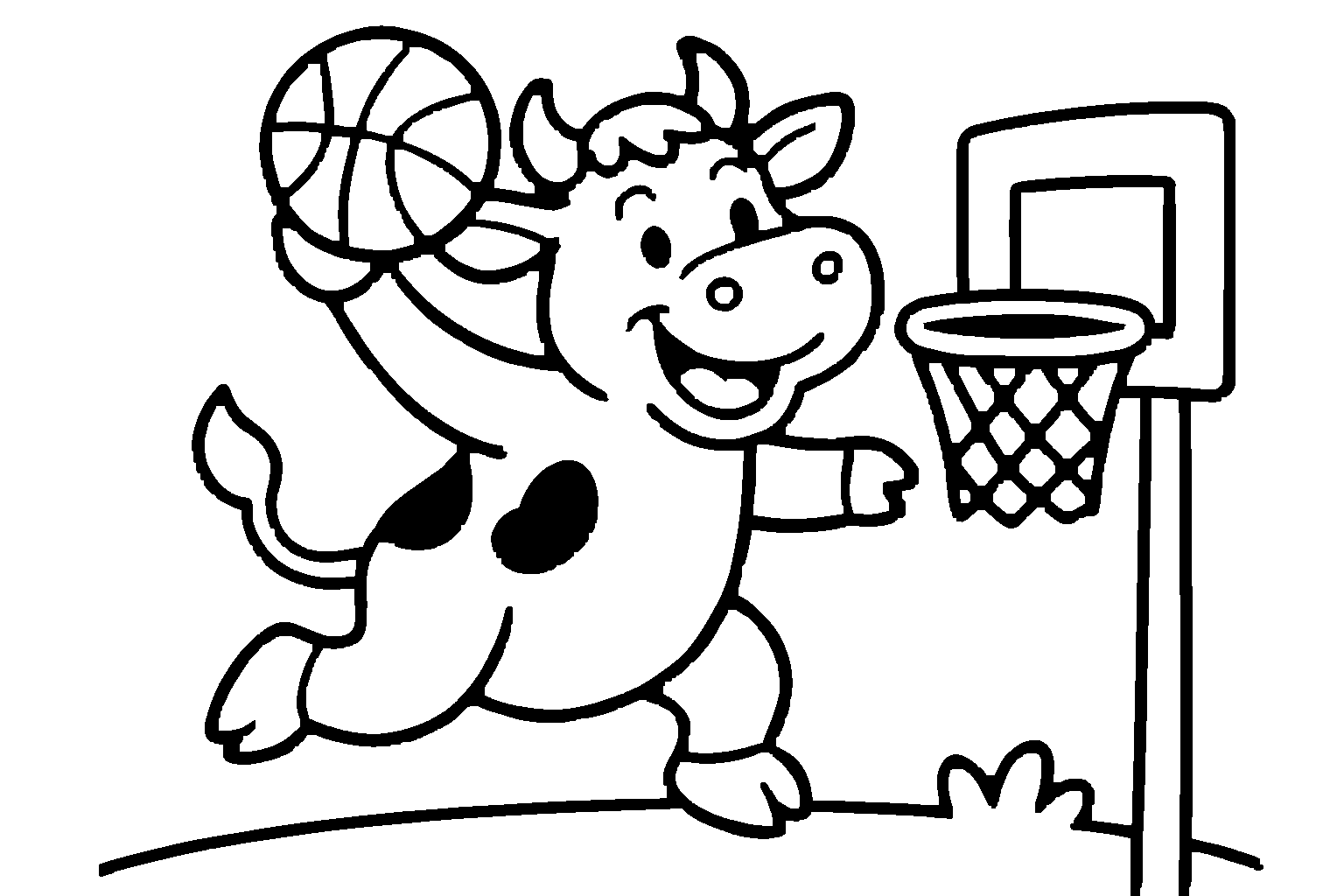
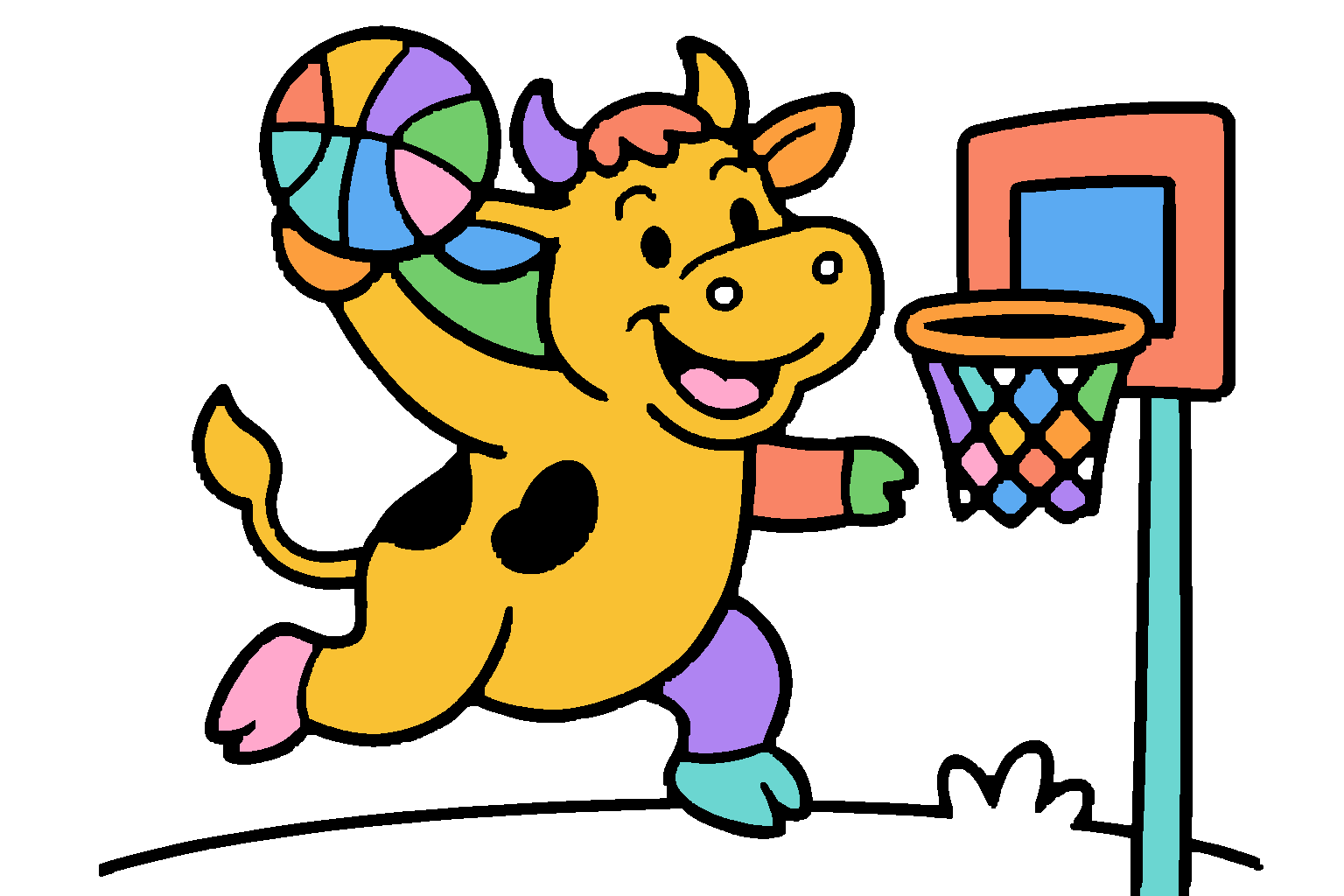
Over 140 pictures in the Moodoodle Library, with more every season.
Tell Moo an idea and watch it become a one-of-a-kind coloring page.
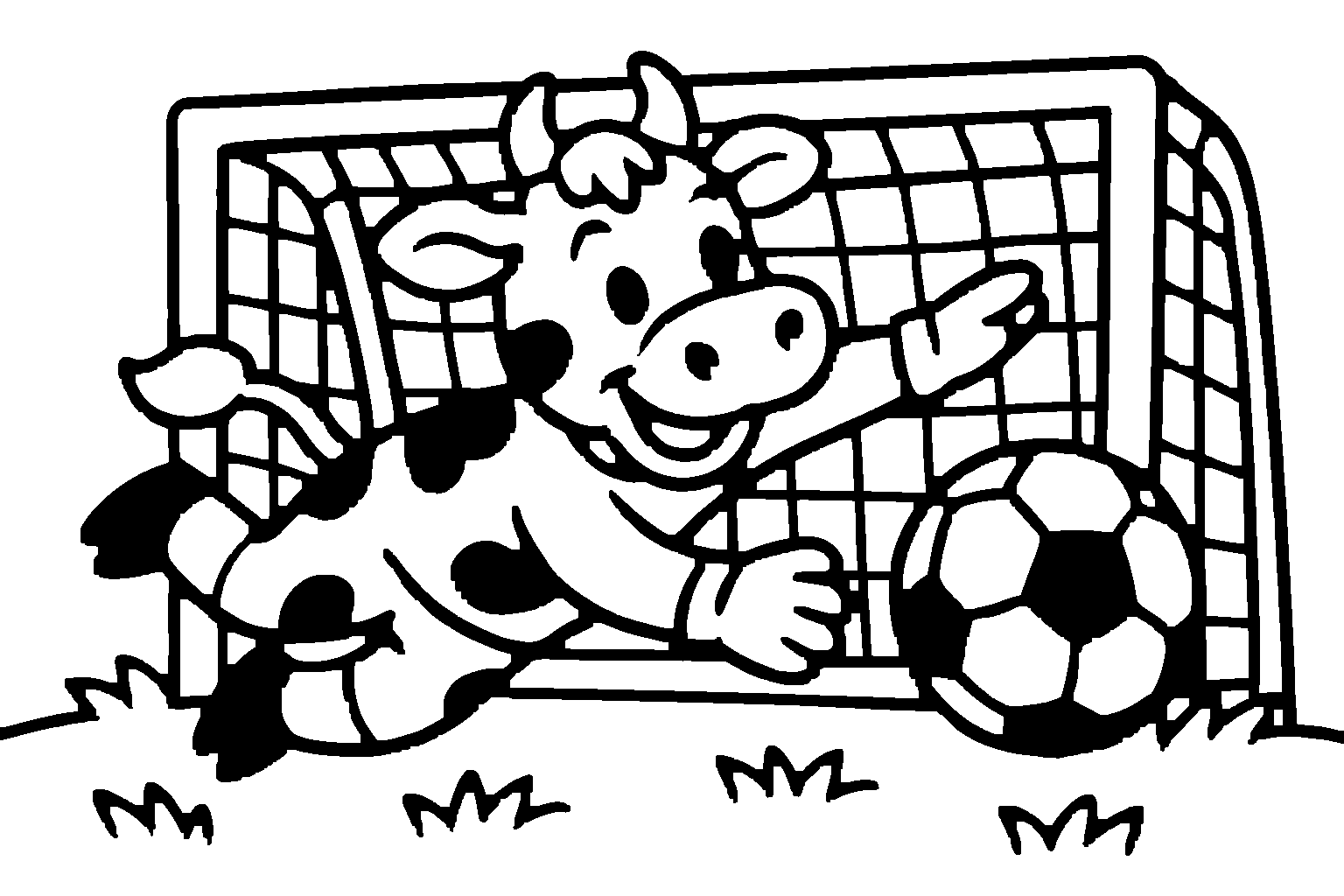
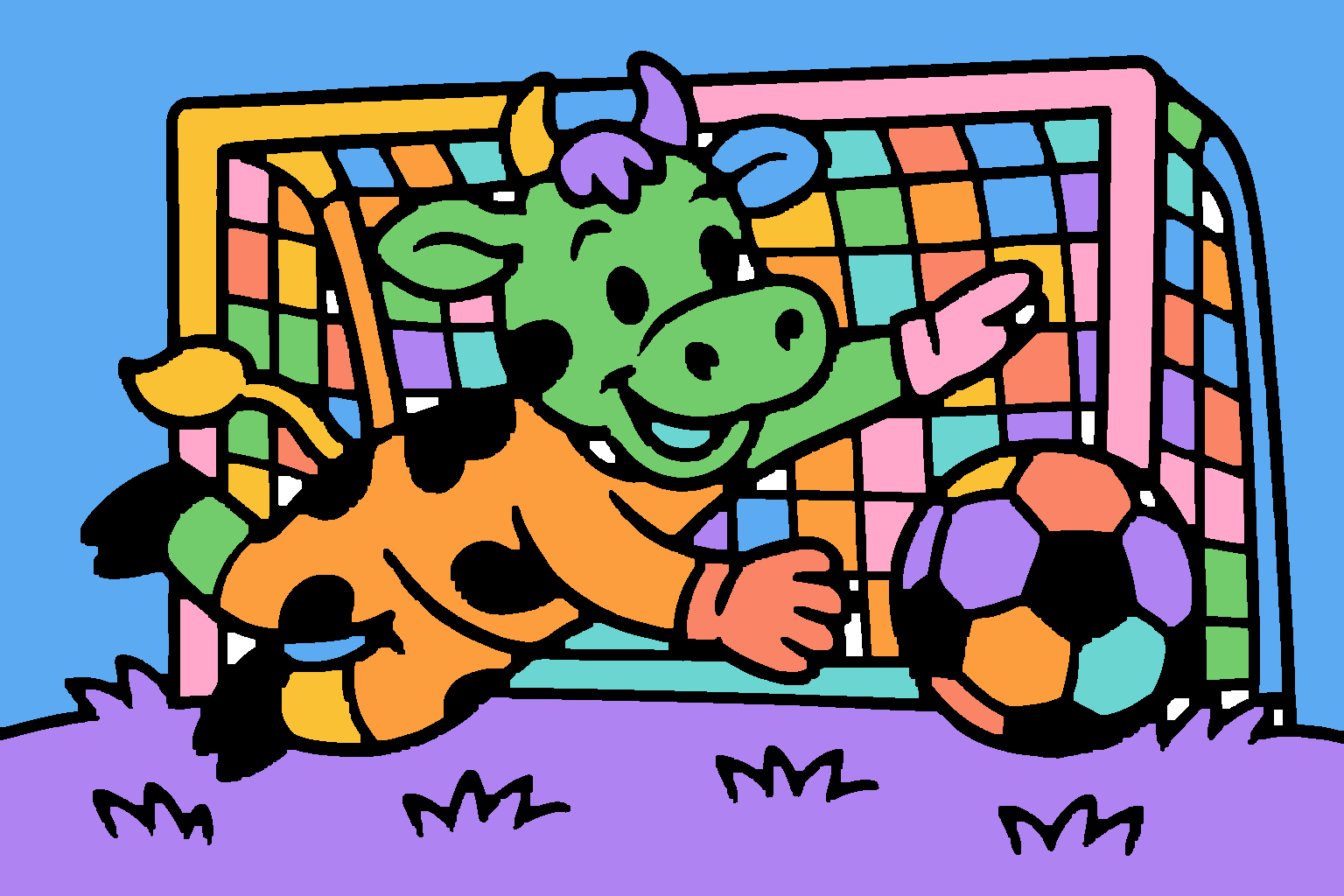
Real Moodoodle pages, and the kind of ideas they start from.
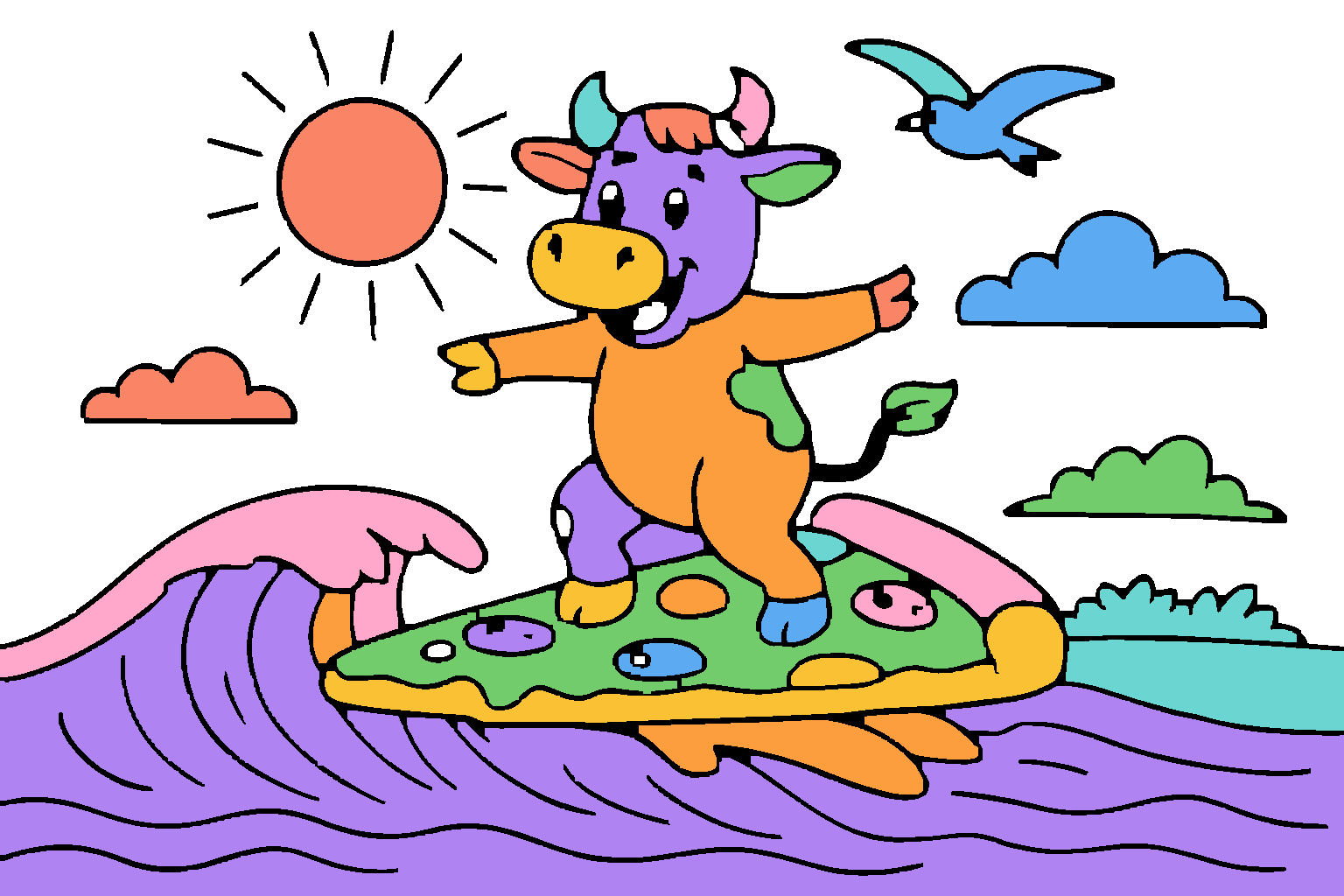
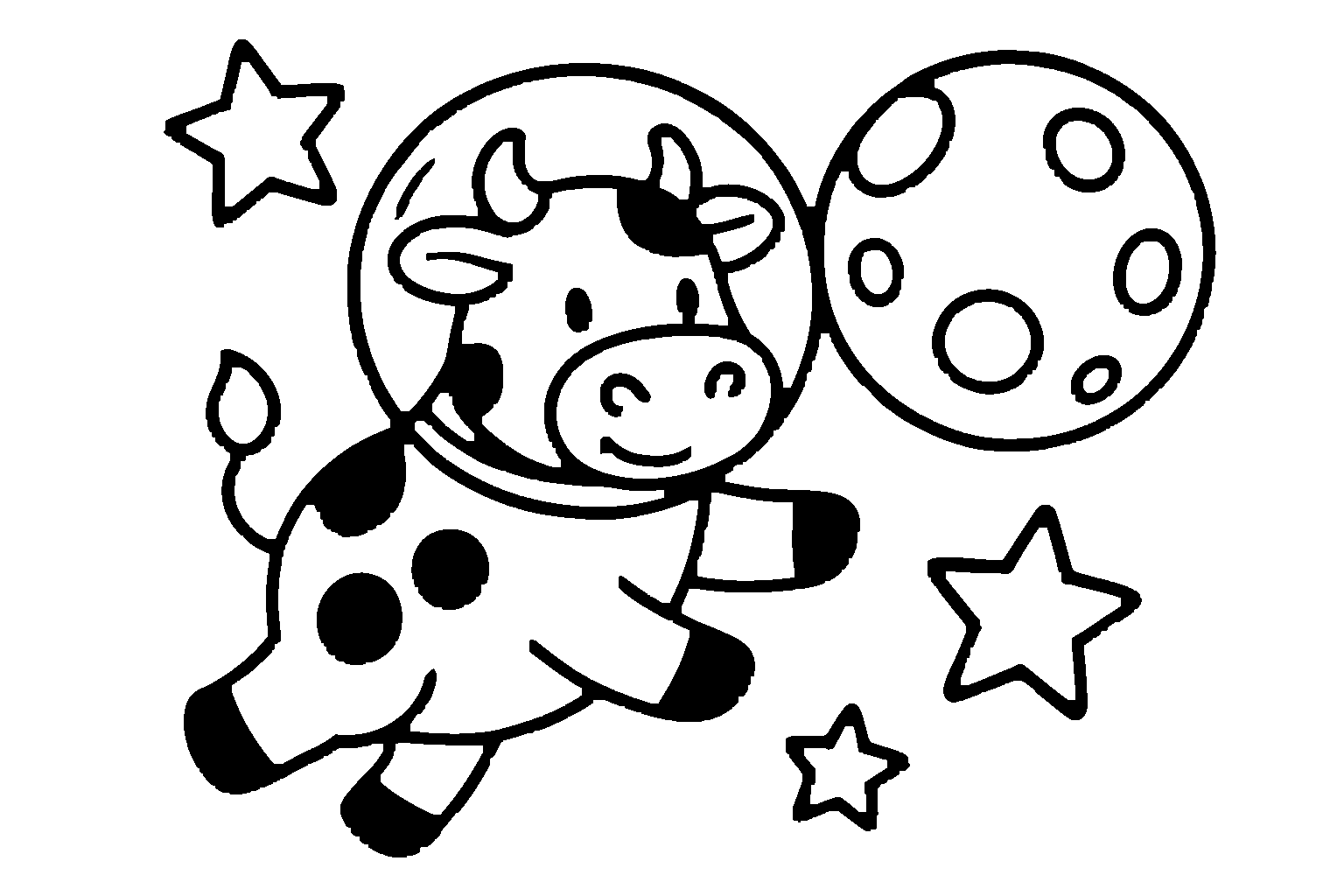
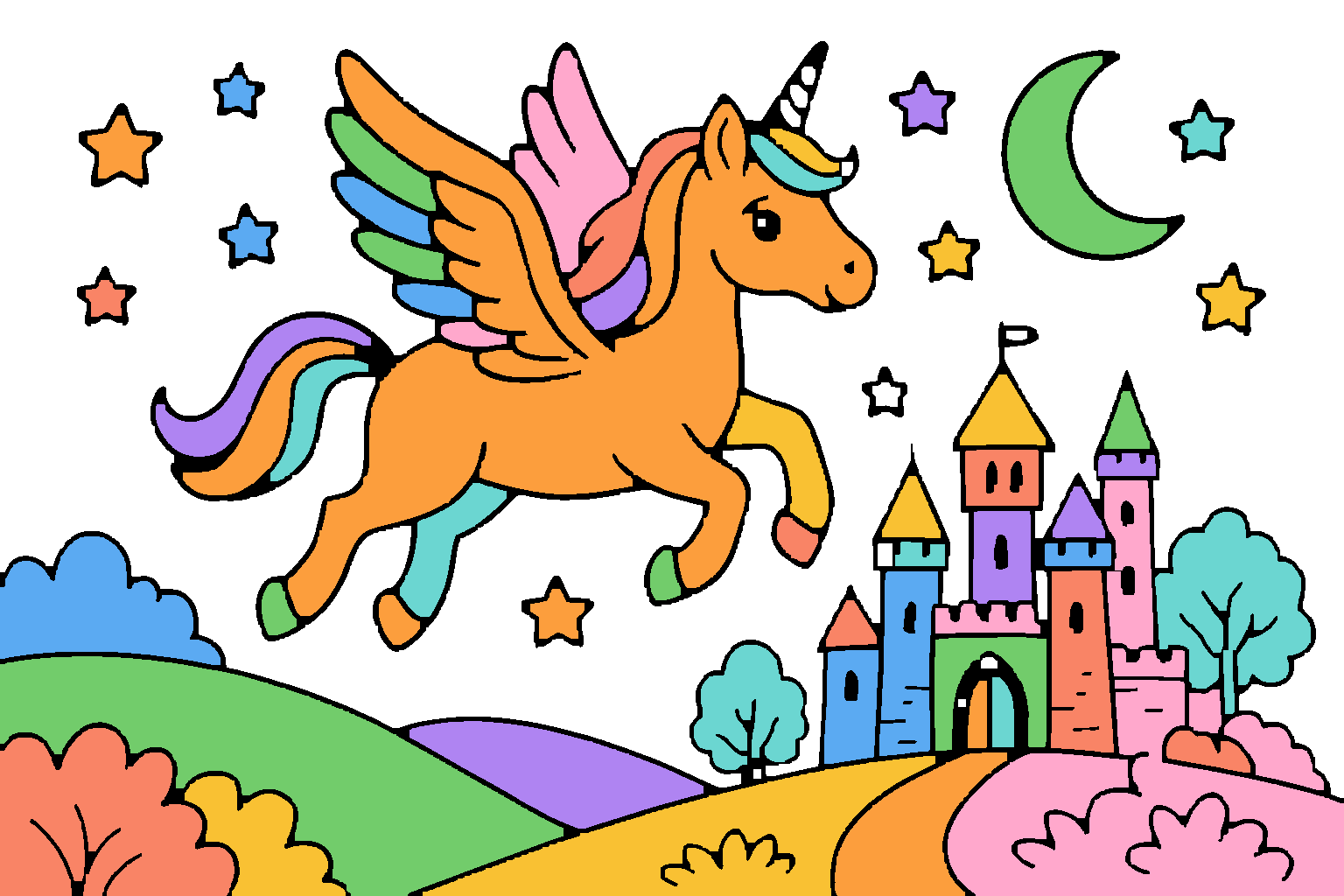
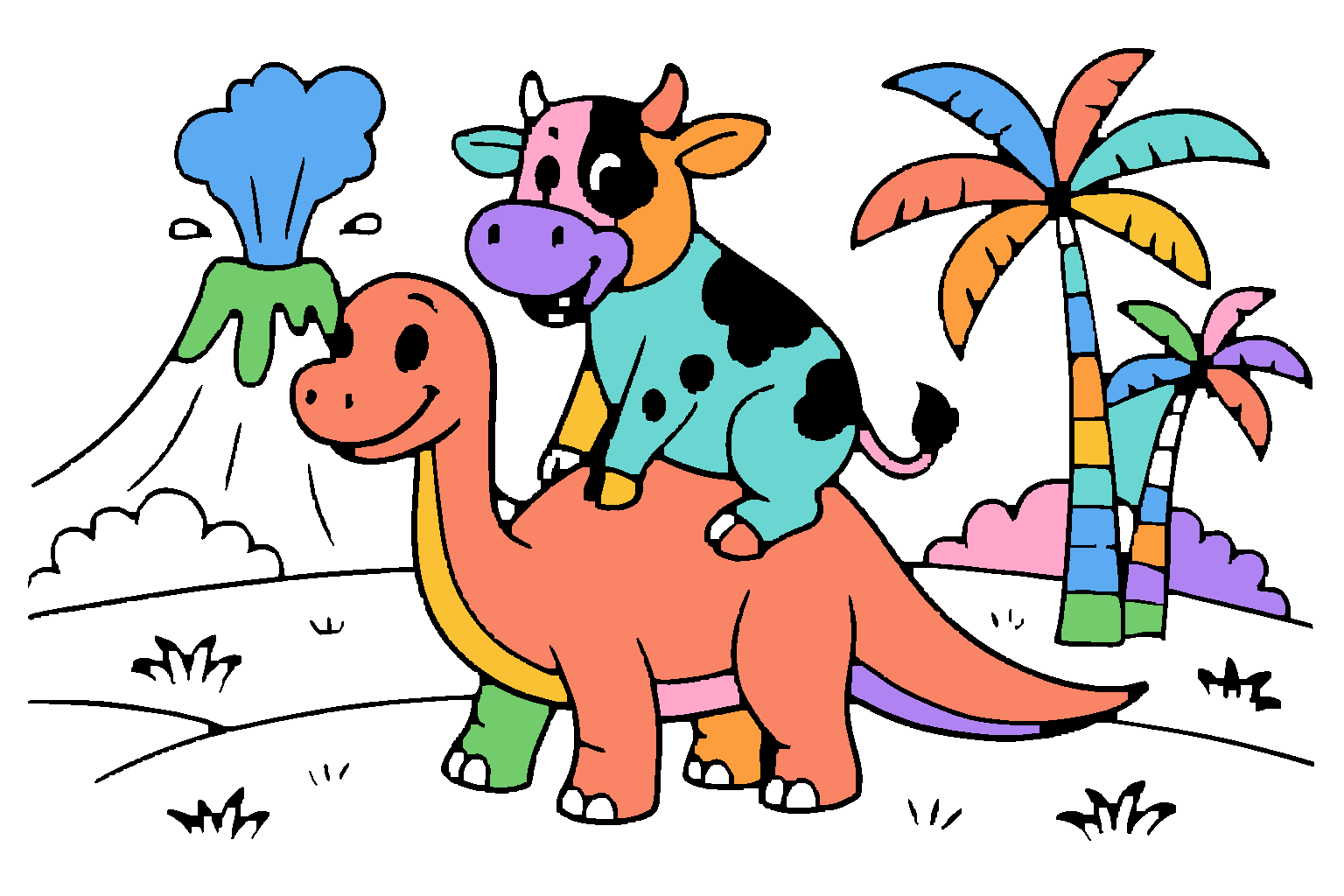
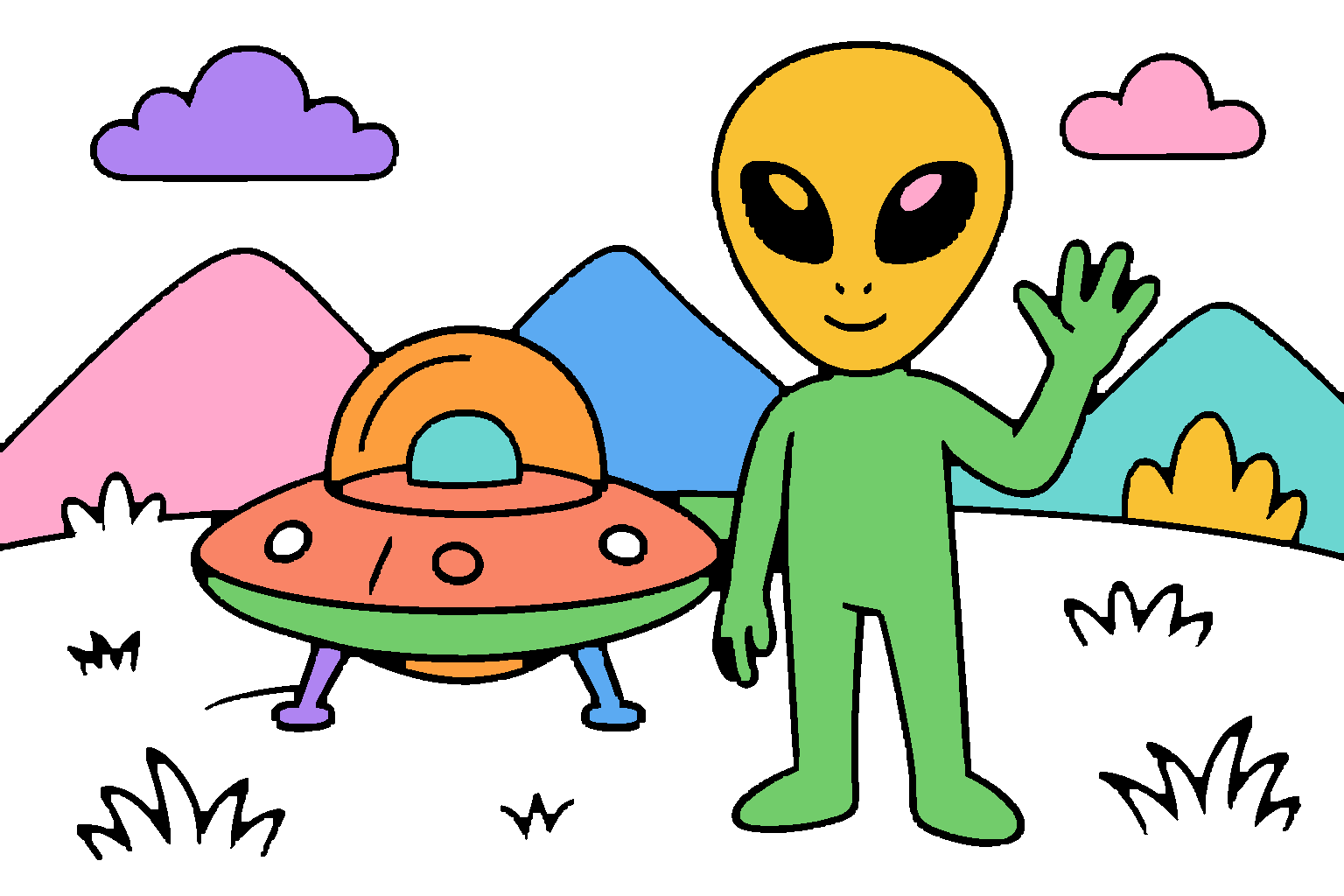
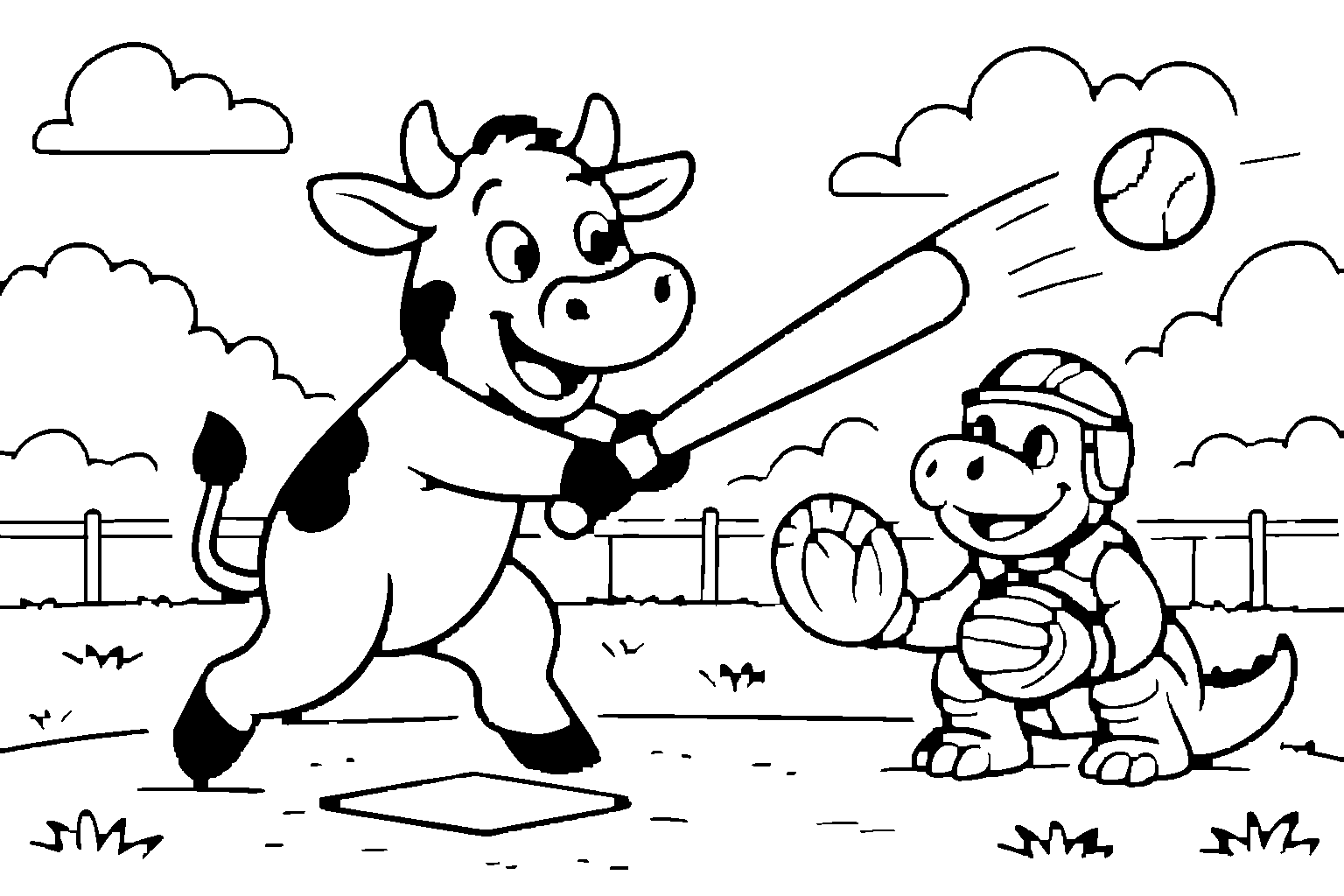
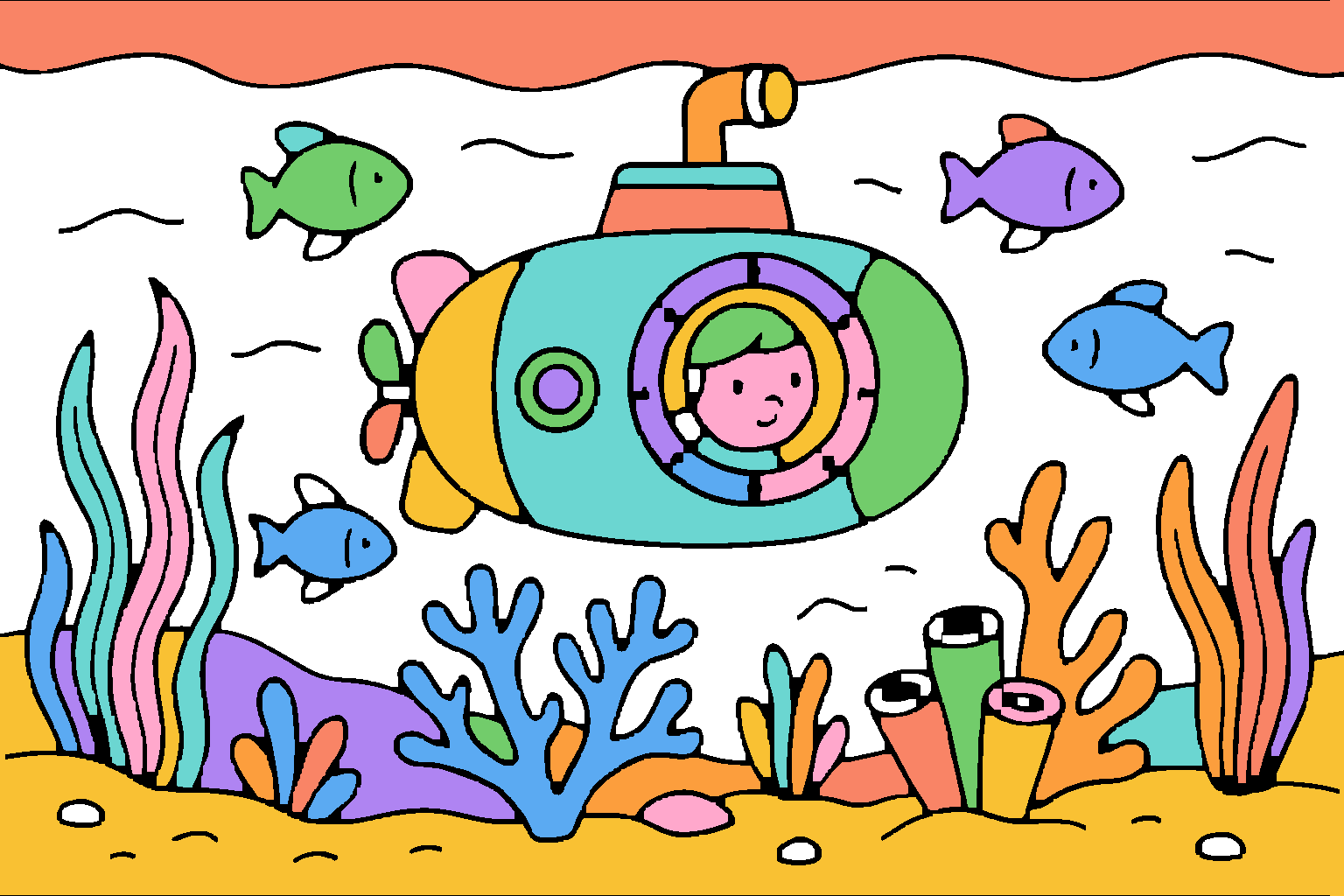
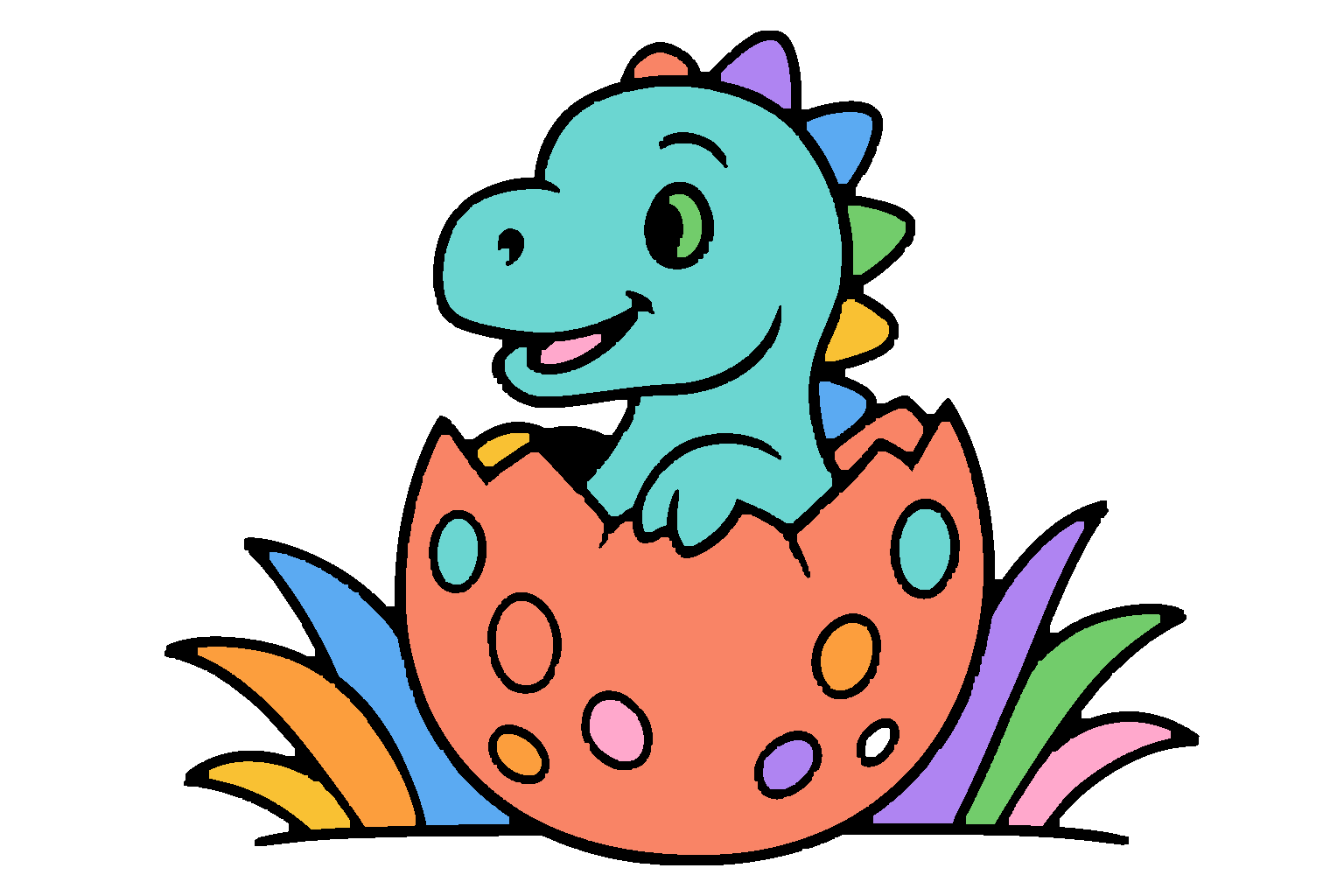

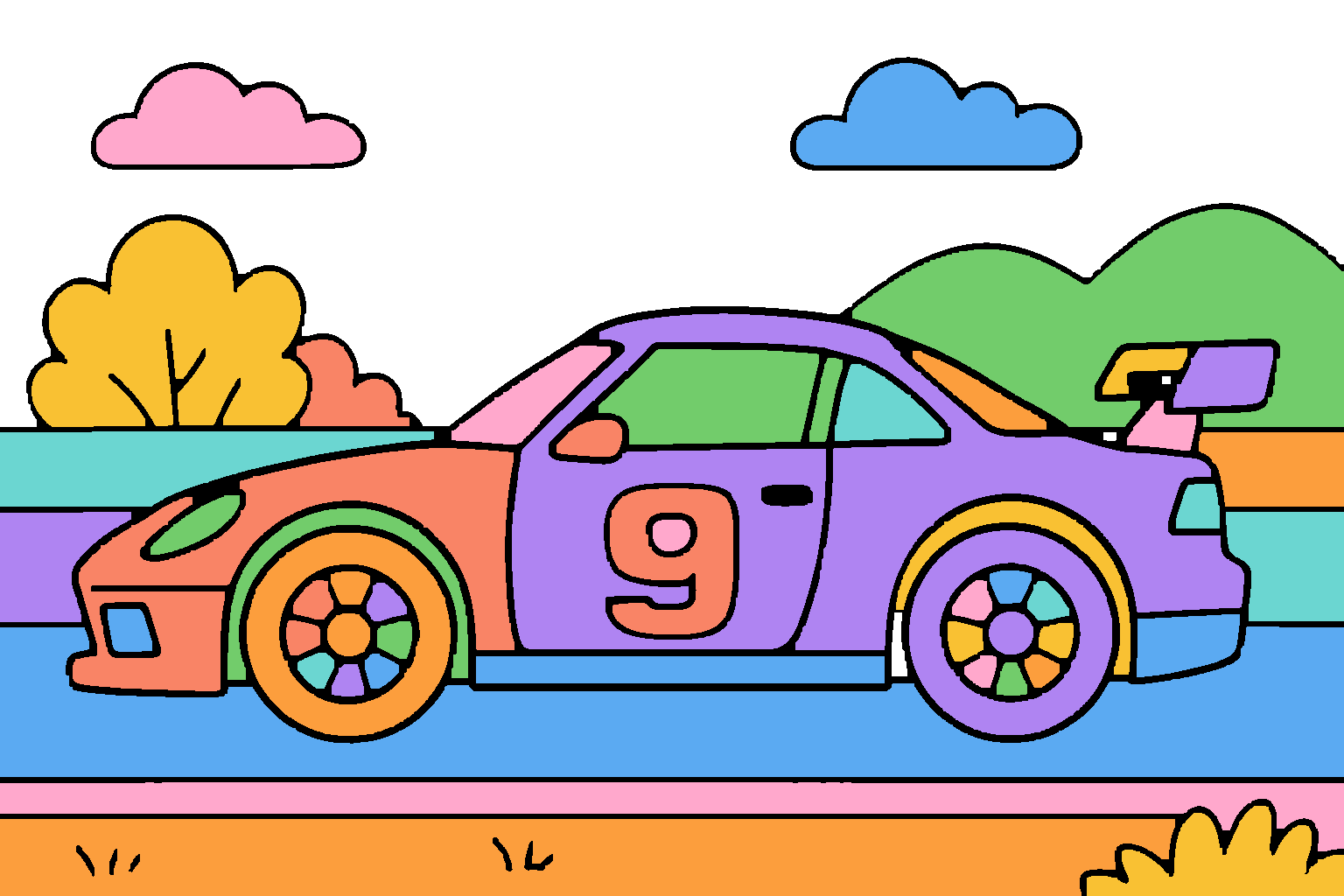
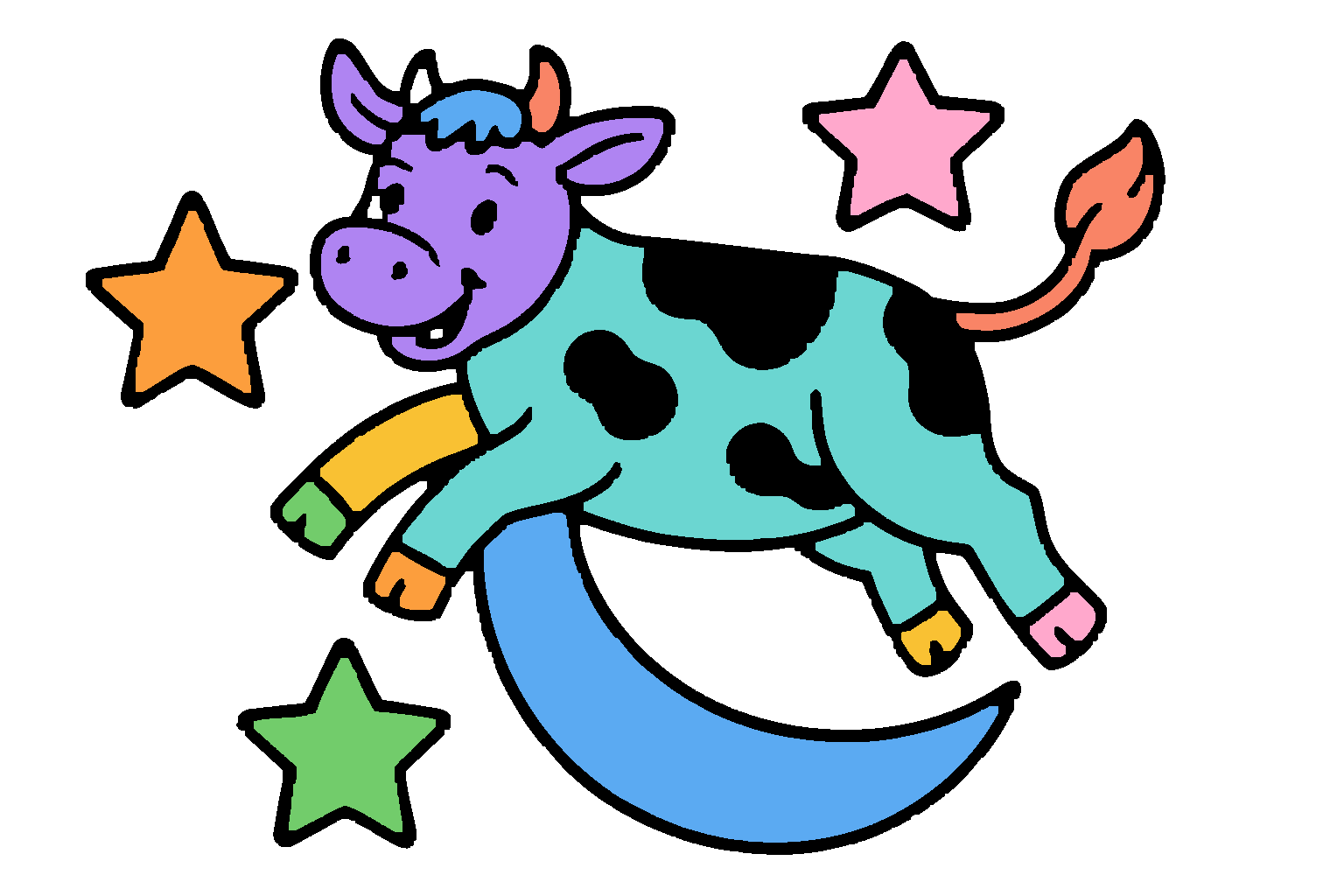
Every picture here is a real Moodoodle page, drawn from an idea like the one under it.
Only in Moodoodle
When a picture is finished, Moodoodle plays it back: every crayon stroke and every splash of color, in a few seconds, so your artist can see exactly how they made it. Grown-ups can save it as a video to share with grandparents.
Made on the device from what your child colored, never by recording the screen. Saving or sharing asks a grown-up first.
Color with a finger, or pick up Apple Pencil on iPad or a stylus on an Android tablet. Press harder for bolder crayon, just like on paper.
Print the finished masterpiece for the fridge, or print the blank page and color it with real crayons at the table.
Everything they color is saved in My Art as they go. Come back tomorrow and pick up exactly where they left off.
Moodoodle adjusts the detail of Moo's new pictures for your artist's age, and suggests Library pictures to match. Every Library picture is still there to explore.
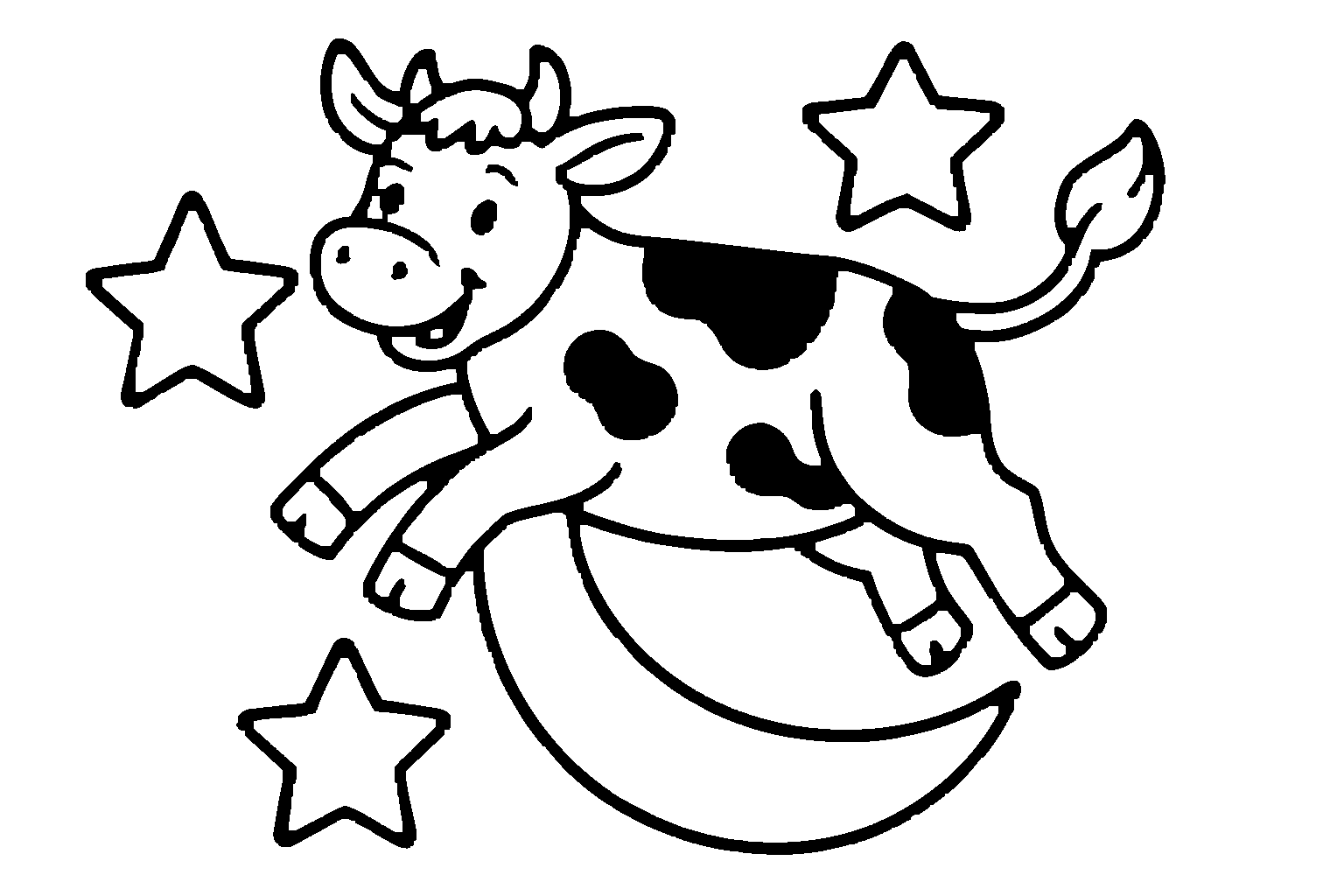
Ages 3–5Simple & bold
Ages 6–7A bit more detail
Ages 8–9Richer scenes
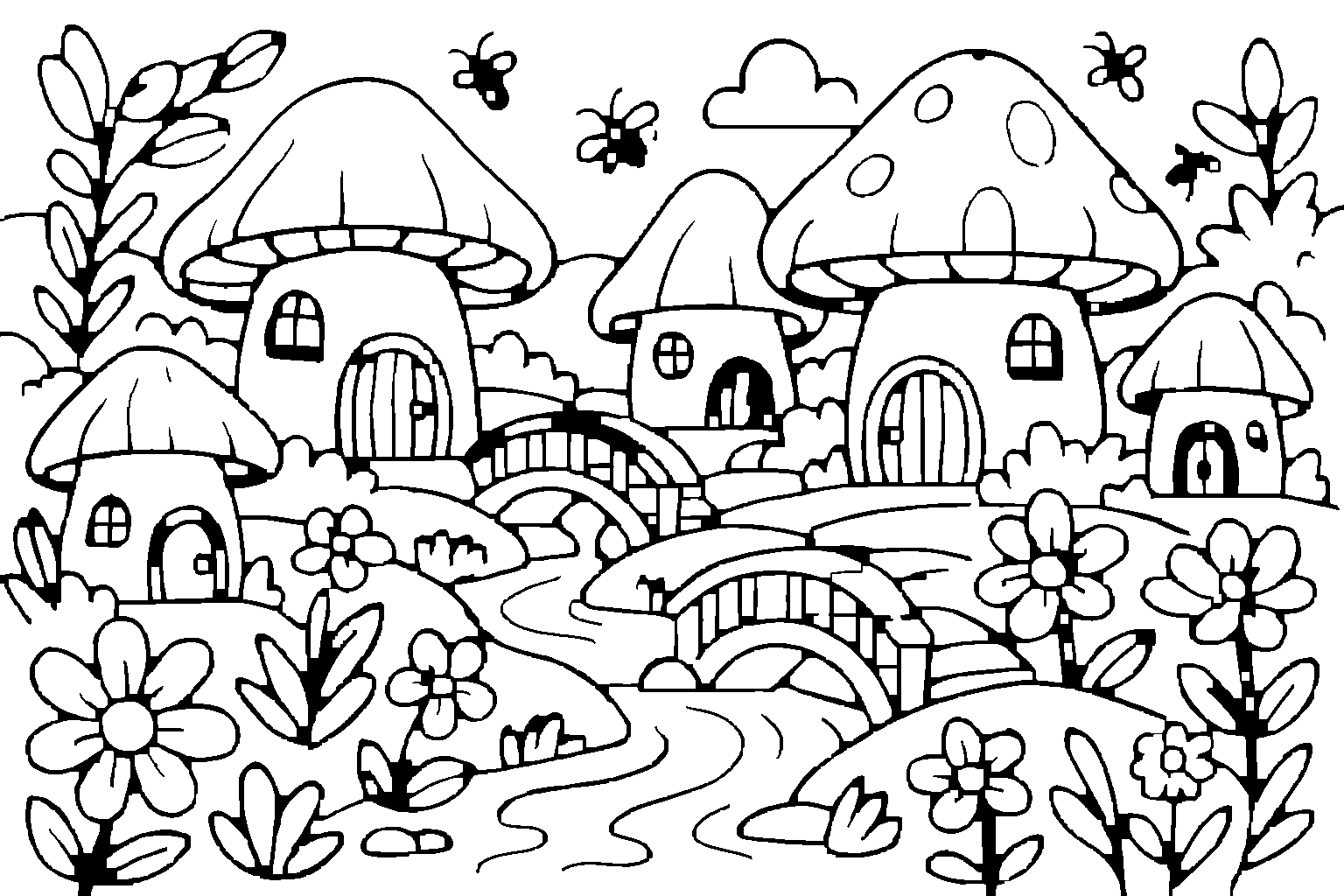
Ages 10+Intricate & challenging
How Moodoodle handles your child’s privacy →
Big controls and an interface made for little hands. Grown-up things sit behind a grown-up check.
Moo's new pictures match your artist's coloring level, from big bold shapes to rich scenes.
Every idea is checked on the device and again on our service before Moo draws it, and the drawing service has its own image checks. If an idea isn't right for a kids' page, Moo suggests another — it never uses up a creation.
It started with my son, Bennett, wanting to color something that didn't exist yet.
Sometimes it was a cow playing basketball. Sometimes a cow riding a dinosaur. Sometimes a cow going to space. The pictures he wanted to color were the ones only he could imagine, and no coloring book had them.
Which raised a pretty simple question:
Why should kids only get to color what somebody else already thought to draw?
So we made Moodoodle. Kids can still open a picture and start coloring. But when the picture in their head doesn't exist yet, they can tell Moo about it, and watch it appear, ready for their crayons.
We made it for Bennett, and for every kid with a picture in their head that nobody has drawn yet.
Sometimes the best coloring pictures haven't been made yet.
— Andy, Dad & creator of Moodoodle
$0
$8.99 one time
One payment. Yours to keep.
Get Moodoodle$4.99 / month
or $49.99 / year Save 17%
A subscription. Cancel anytime in your App Store or Google Play account.
Get MoodoodlePurchases are made in the app through the App Store or Google Play, behind a grown-up check. Prices in US dollars; your store shows the price in your currency.
A coloring app for kids ages 3–10+. Your artist can color pictures from the Moodoodle Library, or tell Moo — our cow — an idea and get a brand-new coloring page made just for them.
Your child types or says an idea, like "a cow playing basketball on the moon." Moodoodle checks the idea, then Moo draws it as a black-and-white coloring page sized for their coloring level. It's saved to My Art, ready to color.
16 coloring pictures to keep, and 1 Moo creation to try on each device. No account, no ads.
A one time purchase ($8.99) that opens every picture in the Library, including pictures we add later, plus 1 Moo creation every calendar month.
A subscription for families who love Create with Moo: up to 3 new Moo pictures every day, $4.99 a month or $49.99 a year. Moo Studio is about creating; the Library is a separate one-time purchase.
Up to 3 new pictures each calendar day. A creation that doesn't work out doesn't count.
Yes. Everything they color or create is saved in My Art on the device, and stays there even if a subscription ends.
You tell us your artist's age band when you set up. Moodoodle uses it to choose how detailed Moo's new pictures are and which Library pictures to suggest first. Kids can still explore every Library picture.
No. There are no ads and no ad tracking in Moodoodle.
Purchases go through the App Store or Google Play, behind a grown-up check, so a child can't buy anything by accident. Subscriptions renew until you cancel them in your store account.
Open Settings (the gear on the Home screen), go to the grown-ups area and tap Restore purchases. Use the same Apple ID or Google account you bought with.
Moodoodle is made for iPhone, iPad, and Android phones and tablets.
Coloring, the Library and My Art work offline. Create with Moo needs the internet, because Moo draws new pictures on our service.
Color. Create. Imagine.