Say what you want to color. Moo makes it happen.
Looking for a child-friendly coloring app where your kid can simply tell it what they want to color? That's Moodoodle. Your child says an idea out loud — or types it — and Moo, our friendly cow, draws it as a brand-new coloring page, right there on your iPhone or iPad.
 Coming soon toGoogle Play
How saying an idea becomes a coloring page
They say it
On the Create screen, your child taps the microphone and says what they imagine — "a cow surfing on a pizza!" The device's own speech recognizer turns the words into text (on the device where available), so Moodoodle only ever sees the text, never the audio. Typing works just as well for kids who prefer it.
Moodoodle checks it
Every idea is checked before anything is drawn, on the device and again on our service, so pages stay right for young kids. An idea that isn't a fit gets a gentle "let's try something else" — and never uses up a creation.
Moo draws it
A few moments later the idea is a black-and-white coloring page in Moodoodle's friendly line-art style, drawn at the right amount of detail for your child's age. It lands in My Art, ready to color with crayons, paint, glitter and more.
One idea, start to finish
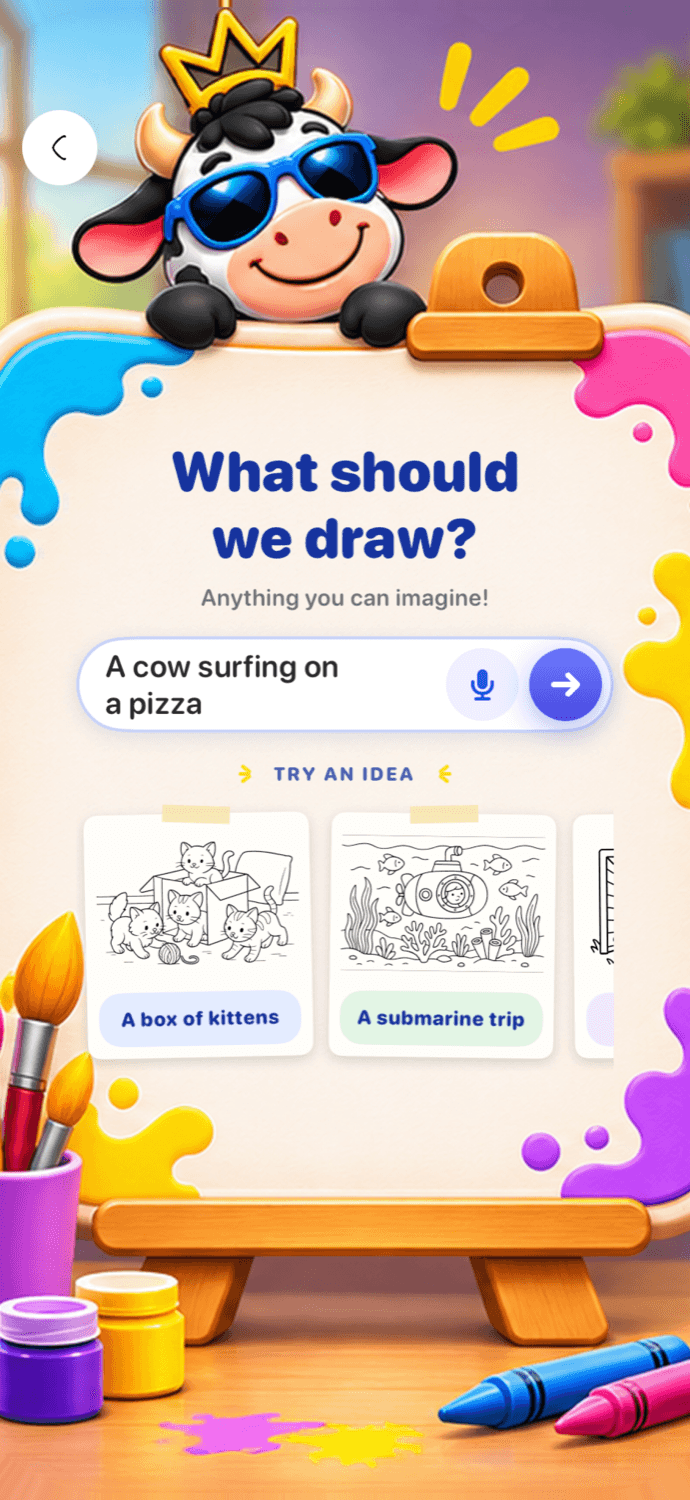
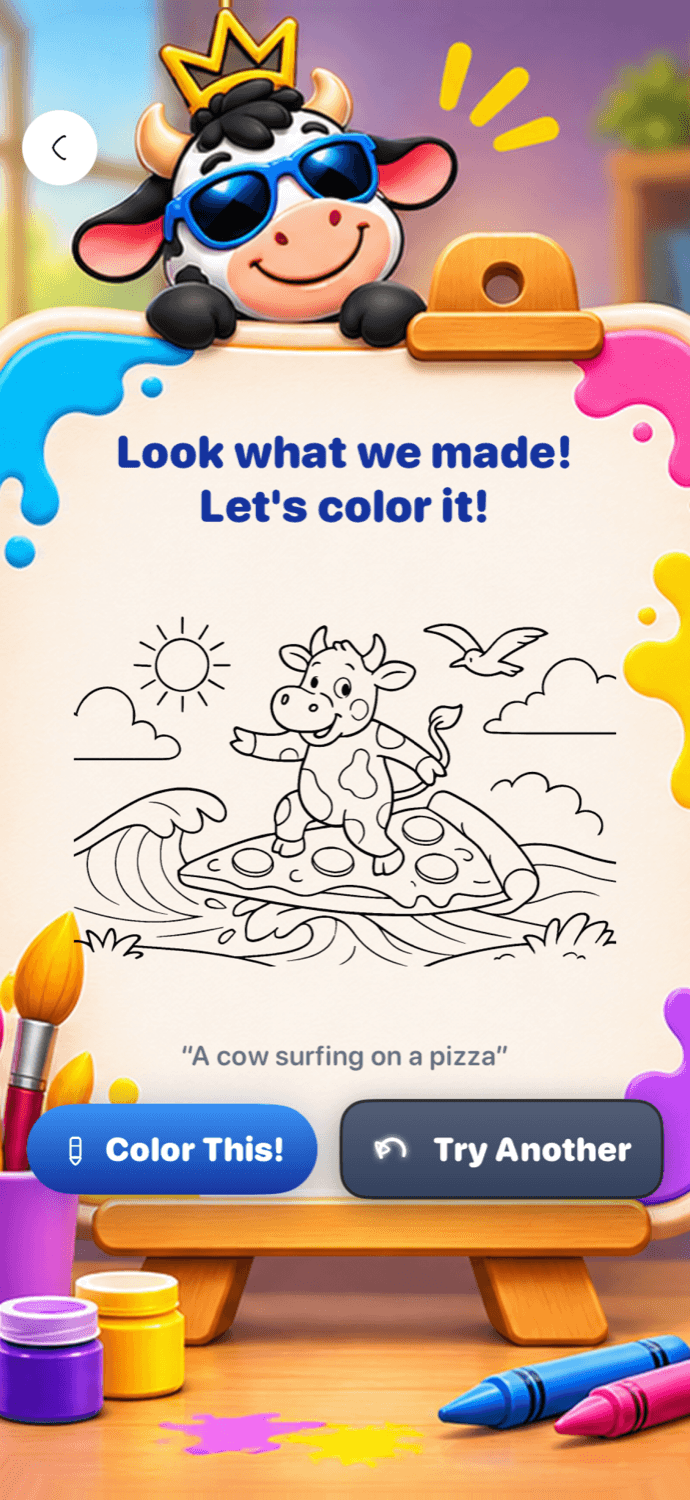
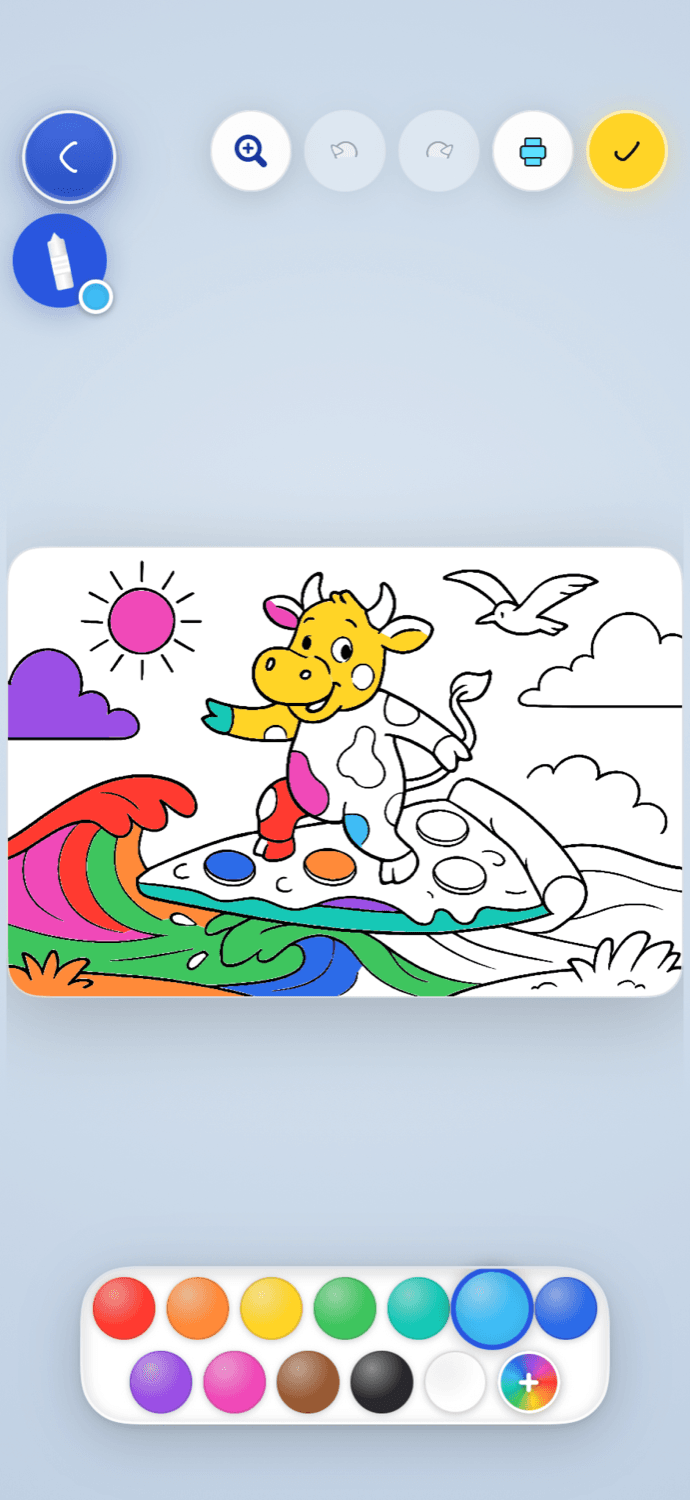
Why voice matters for little artists
Most coloring apps hand kids a catalog: thousands of pictures, and the one in their head isn't there. Moodoodle flips that. A four-year-old who can't spell "triceratops" can still say it. The picture they color is their idea — a dinosaur riding a skateboard, their dog as a superhero, a rocket made of ice cream — which is exactly why they stay with it longer.
Voice is a first-class way in, not an add-on: the microphone sits right beside the idea field on the Create screen. And because detail adapts to the age you set, the same idea comes out simple and bold for a three-year-old or rich and challenging for a ten-year-old.
Moodoodle is made for iPhone and iPad, ages 3–10+. Coloring and the picture Library work offline; creating new pages with Moo needs the internet. Learn more aboutAI coloring pages for kids or takethe full tour of how Moodoodle works.
Questions parents ask
Can my child tell Moodoodle what they want to color?
Yes — that's the whole idea. Instead of scrolling through pictures hoping to find the right one, your child tells Moo what they imagine, by typing or just saying it out loud, and Moo draws it as a coloring page made for them.
How does voice input work?
Tap the microphone on the Create screen and say the idea. Your device's own speech recognizer turns it into text — on the device where available — and only that text goes to Moo. Moodoodle never receives or stores the audio.
How does Create with Moo work?
Your child types or says an idea, like "a cow playing basketball on the moon." Moodoodle checks the idea, then Moo draws it as a black-and-white coloring page sized for their coloring level. It's saved to My Art, ready to color.
Does Moodoodle work on iPad?
Yes — Moodoodle is designed for iPad as well as iPhone, with layouts made for the bigger canvas: Moo's easel for creating, and a coloring page with room to spread out. Download it on the App Store.
What will they say first?
Download Moodoodle free on the App Store, and let Moo turn their next idea into a coloring page.
Coming soon toGoogle PlayMade for little artists ages 3–10+, on iPhone and iPad.